CloudWatch Observability Checklist for AWS Data Pipelines (Beginner-Friendly)
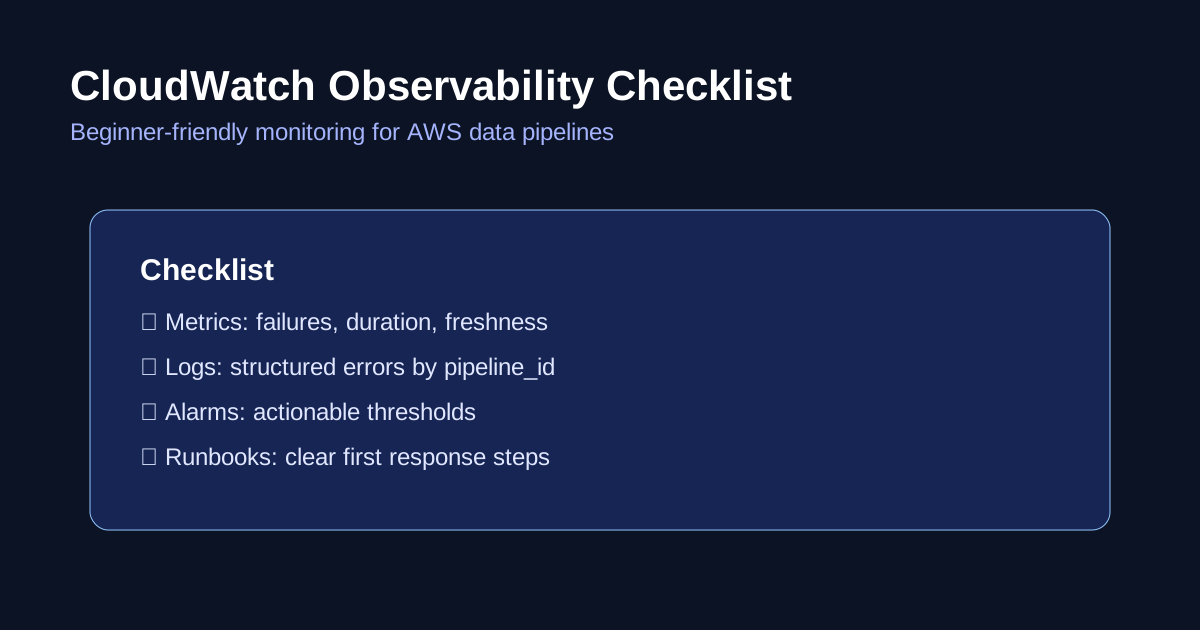
A pipeline that “usually works” is not production-ready.
If you do not have visibility, you discover failures from angry Slack messages or broken dashboards.
This guide shows a simple monitoring setup for beginners using CloudWatch.
When to use this
Use this if your stack includes Glue jobs, Step Functions, Lambda, and S3-based data pipelines on AWS.
You can implement this in one sprint and reduce incident response time quickly.
Observability in plain language
- Metrics: numeric signals over time (runtime, failures, records processed)
- Logs: detailed event/debug lines
- Alarms: notification rules when thresholds are crossed
- Runbook: what to do when alarm fires
Without runbooks, alarms become noise.
The minimum metric set
Track at least:
- pipeline success/failure count
- job duration (p50/p95)
- records processed per run
- data freshness delay (how late partitions arrive)
- retry count
These five metrics cover most early-stage failures.
Starter alarm pack
Create alarms for:
- Glue job failure > 0 in last run
- Step Functions execution status = failed/timed out
- job duration above expected threshold
- no successful run in expected window (freshness breach)
- error log count spike
Route alarms to SNS and then to your team channel.
Practical implementation path
- Standardize job names and pipeline IDs
- Emit custom metrics from each stage (if needed)
- Use CloudWatch dashboards for daily visibility
- Add alarms with realistic thresholds
- Link each alarm to a runbook URL
- Review and tune noisy alarms weekly
Example runbook template
For each alarm, document:
- What this alarm means
- First checks to perform
- Common root causes
- Rollback/retry procedure
- Escalation owner
Keep runbooks short. Operators should resolve issues in minutes, not read essays.
Common beginner mistakes
- creating dashboards without alarms
- setting thresholds too strict on day one
- no ownership for alarms
- not measuring freshness explicitly
- collecting logs but never reviewing patterns
Quick checklist
Before saying “we have monitoring”:
- Can you detect a failed run within 5–10 minutes?
- Can you detect stale data before business users do?
- Do alarms map to clear actions?
- Does every critical pipeline have an owner?
- Is on-call noise manageable?
If any answer is no, improve your baseline before adding more tools.
Final thought
Observability is a reliability feature, not an optional add-on.
For beginner teams, a focused CloudWatch setup with clear runbooks provides more value than complex tooling with no ownership.