AWS IAM Basics for Data Engineers: Least-Privilege Access Without the Confusion
Many data pipeline incidents are not caused by code quality. They are caused by access mistakes.
- Jobs can read data but cannot write outputs.
- Everyone gets admin access “temporarily”.
- A role intended for one pipeline is reused everywhere.
This post gives you a practical IAM setup that is secure and easy to operate.
When to use this guide
Use this if your team is running AWS data pipelines with S3, Glue, Athena, Step Functions, or Lambda and wants safer defaults.
Mental model: user, role, policy (simple version)
- User: a human identity (console/CLI login)
- Role: a workload identity (job/service assumes it)
- Policy: permission document attached to user/role
For pipelines, prefer roles over long-lived user access keys.
Beginner-safe access pattern
Create separate roles by function:
role-ingest-crm-rawrole-transform-clean-customerrole-publish-curated-analytics
Each role gets only the exact S3 prefixes and services it needs.
Example principle:
- ingest role: write
raw/, no write tocurated/ - transform role: read
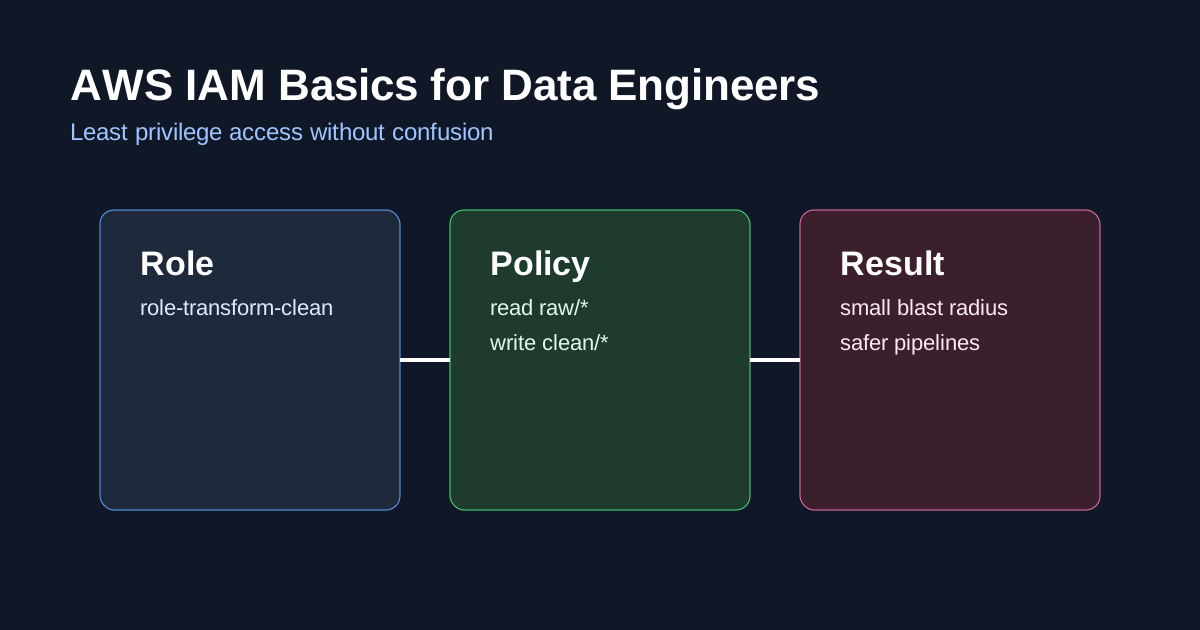
raw/, writeclean/ - publish role: read
clean/, writecurated/
This prevents one bad job from corrupting every layer.
Example least-privilege policy (S3)
1
2
3
4
5
6
7
8
9
10
11
12
13
14
15
16
17
18
19
20
{
  "Version": "2012-10-17",
  "Statement": [
    {
      "Effect": "Allow",
      "Action": ["s3:GetObject"],
      "Resource": ["arn:aws:s3:::company-data-lake/raw/crm/*"]
    },
    {
      "Effect": "Allow",
      "Action": ["s3:PutObject"],
      "Resource": ["arn:aws:s3:::company-data-lake/clean/customer/*"]
    },
    {
      "Effect": "Allow",
      "Action": ["s3:ListBucket"],
      "Resource": ["arn:aws:s3:::company-data-lake"]
    }
  ]
}
Keep resources specific. Avoid "Resource": "*" unless truly required.
Practical setup steps
- Define pipeline stages and ownership
- Create one IAM role per pipeline/stage
- Attach narrowly scoped policies
- Enable CloudTrail for access auditing
- Add permission tests in CI/CD (or pre-deploy checks)
- Rotate and remove unused roles quarterly
Common IAM mistakes in data teams
- sharing one “data-engineer-admin” role for all jobs
- hardcoding credentials in scripts
- granting full S3 bucket write for convenience
- no review process for policy changes
- leaving stale roles after project shutdown
Quick checklist
Before production:
- Does each workload have its own role?
- Are S3 permissions prefix-scoped?
- Are destructive actions (delete/update) tightly controlled?
- Can you trace who accessed sensitive datasets?
- Is there a regular access review cycle?
Final thought
Least privilege is not about slowing engineers down. It is about limiting blast radius when something fails.
If your IAM model is clean, your pipeline operations become much more predictable.